Notes
Do not hold meetings The conclusion is already decided before any discussion -- Humanity Has Declined
Claude Sonnet 4.5
Claude Sonnet 4.5 has been released.
Introducing Claude Sonnet 4.5 \ Anthropic
People had started saying Codex (OpenAI) is better than Claude Code (Anthropic), so one highlight is whether Anthropic can catch up with Sonnet 4.5.
Within a week, articles evaluating the latest models will likely appear on Zenn and Qiita.
If you are using Claude Code, you probably switched from Sonnet 4 to 4.5 automatically.
You can check the active model with the /model command.
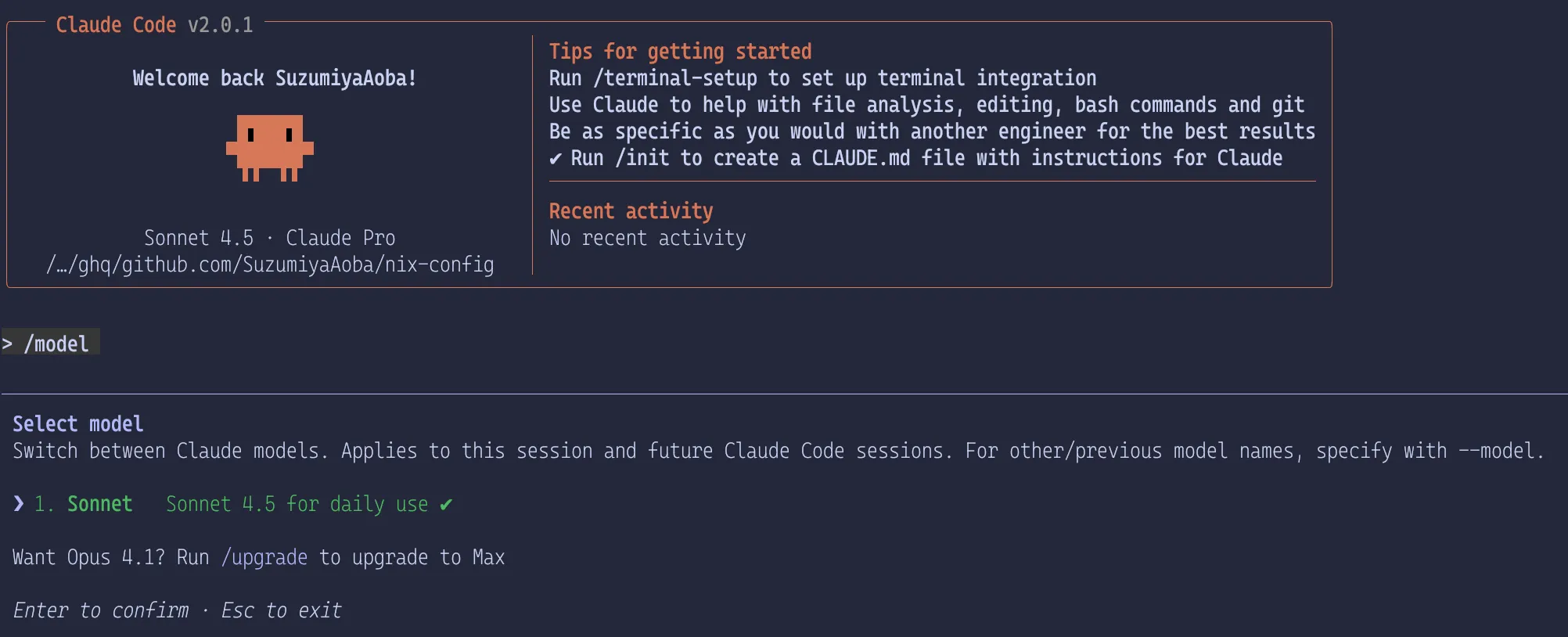
You might need Claude Code version 2.0 or higher.
Changes
Others have already summarized changes comprehensively, so I will focus only on what might matter for subscription users of Claude Code. I will skip the obvious "performance is better" points.
Usage status
The /usage command in Claude Code now shows current session usage, weekly usage, and time until the limit resets.
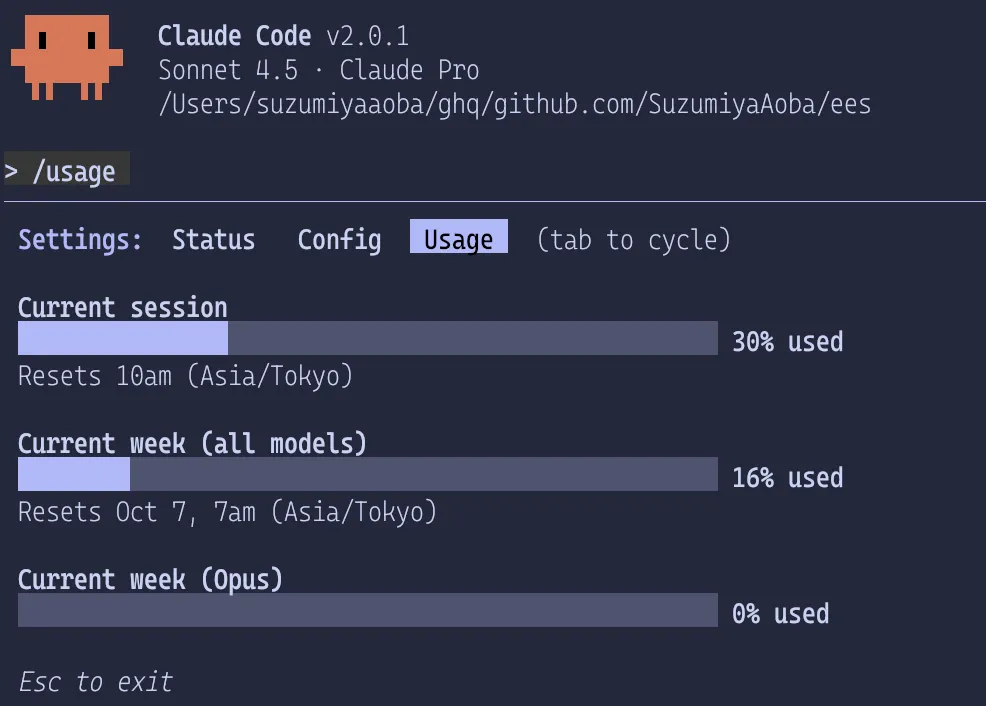
It does not show usage in real time like calude-code-monoitor,
so you must run /usage when you want to check.
You can also view usage in the web UI.
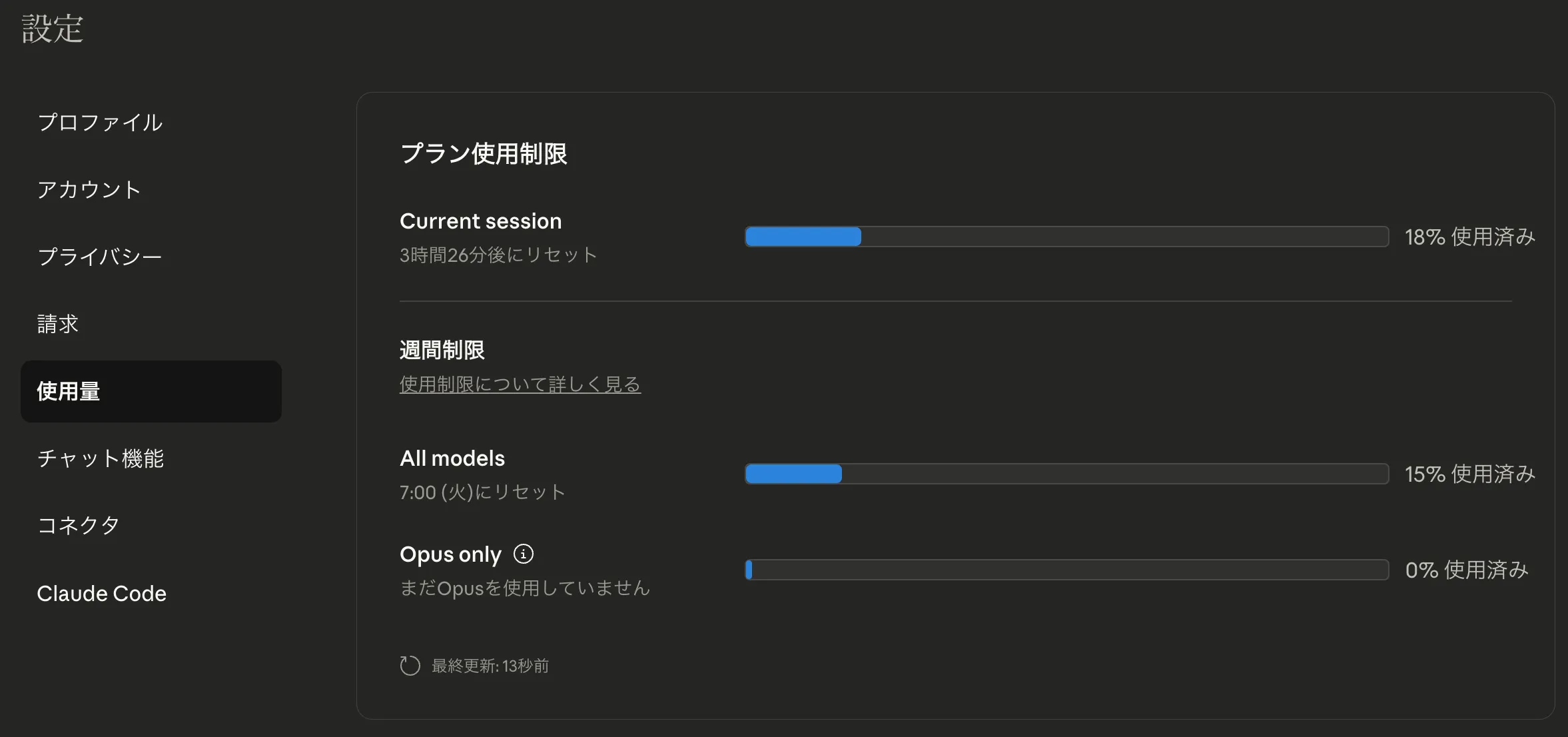
It's nice that the official tool provides this. Compared to claude-code-monitor, it is more accurate and lets you see remaining quota across devices.
I wish it showed input/output token counts instead of vague percentages, but that will probably come later.
Switching ultrathink
If your prompt includes think, hardthink, or ultrathink, it used to enable extended thinking mode in Claude Code.1
Extended thinking improves performance on complex reasoning tasks.
Previously you had to include those keywords in the prompt, but from Claude Code 2.0 you can toggle ultrathink with Tab.
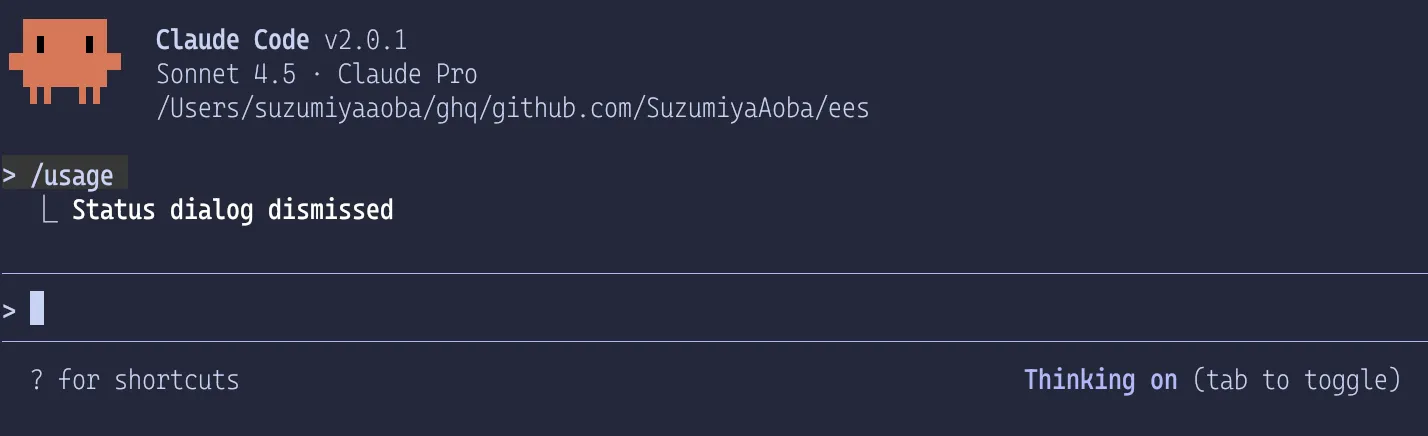
When enabled, it shows "Thinking on". Press Tab again to disable.
Checkpointing
Press Esc twice or run /rewind to open the rewind menu.
You can choose from three options:
- Conversation
- Code
- Both conversation and code
Checkpoints are created automatically for each prompt, but changes made outside Claude Code (Finder, terminal, editor, etc.) cannot be rewound. If you want to rewind, you should perform all operations through Claude Code. In general, changing files outside Claude Code while using it is not recommended because those changes are not in context and can confuse the agent.
Checkpoints are for quick rollback within a session; they do not replace VCS (Version Control System).
VS Code extension
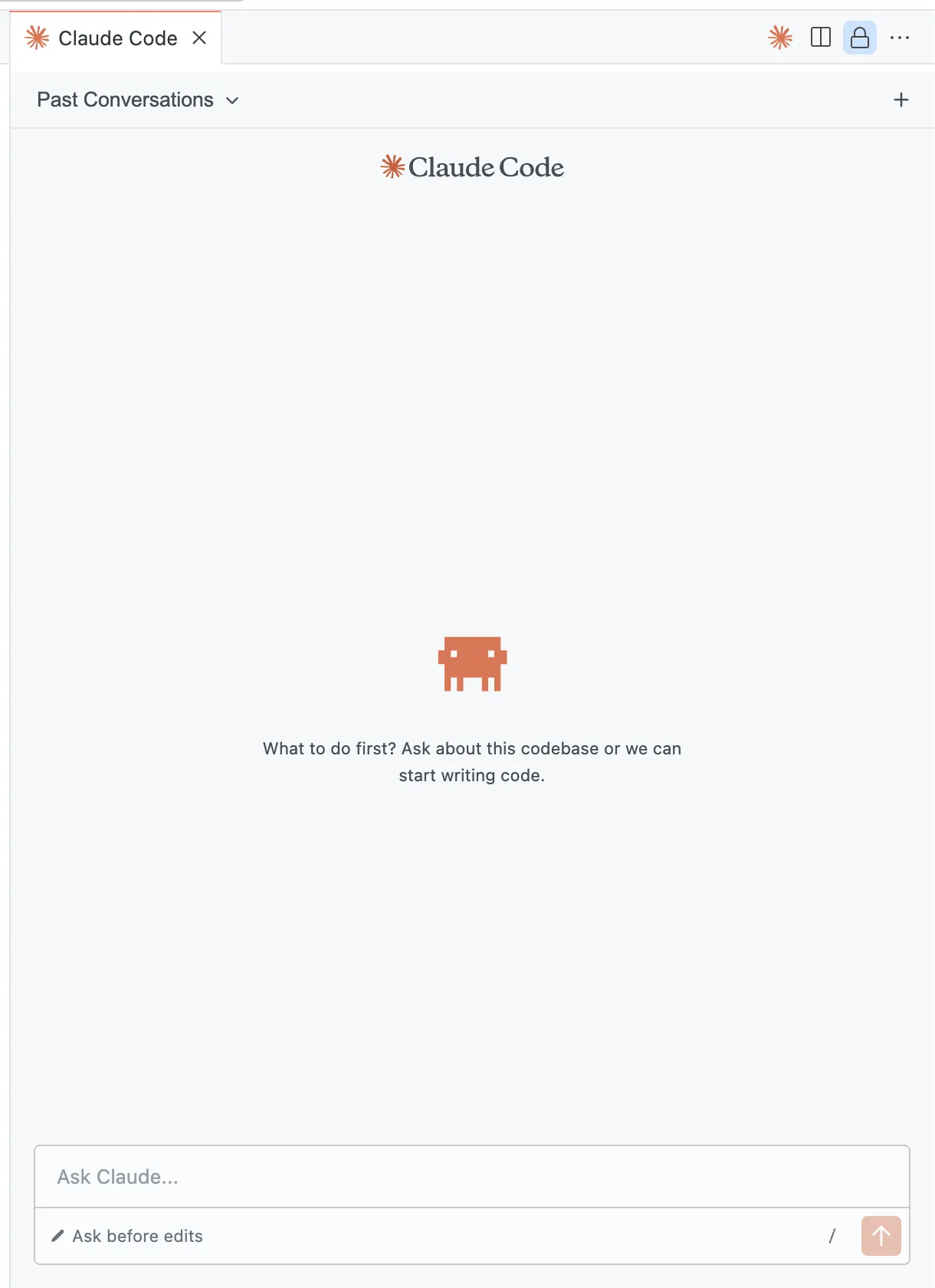
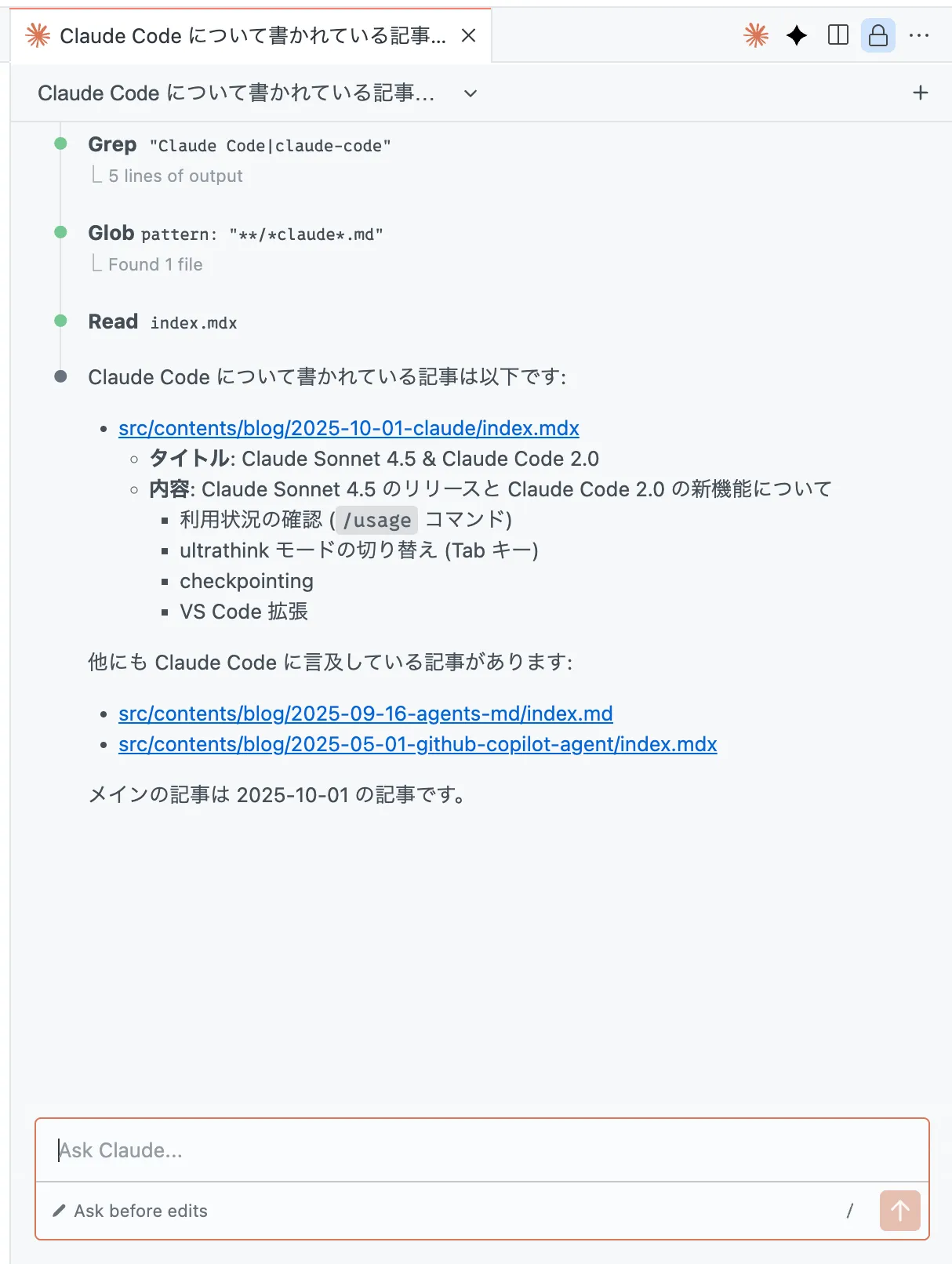
The Claude Code VS Code extension used to just launch Claude Code in the terminal, but now it works with a VS Code-native (?) UI.
When you enter a prompt, it shows a view like this. It looks similar to the terminal version, but clicking files opens them properly, which is convenient. However, code navigation sometimes fails, so it may still be unstable.
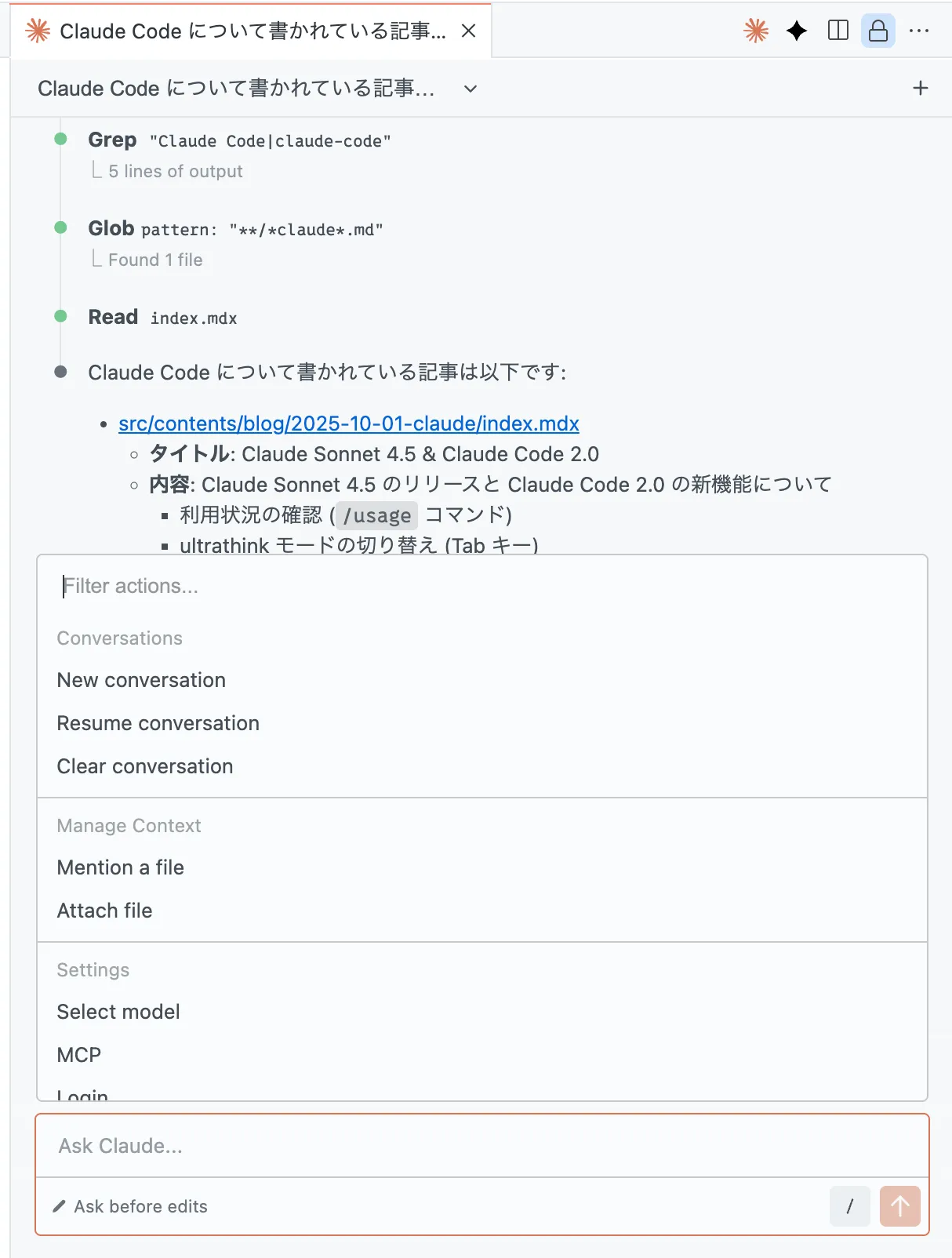
The slash command list is also shown in a richer UI.
Conclusion
There are other topics, like a Chrome extension opening to waitlisted users and Claude Agent SDK updates, but they don't matter to CLI-only Claude Code users, so I omitted them.
For more details, see the official announcement and the Zenn article.